
The volunteer who arrives twenty minutes before the service
Most writing about running services assumes a trained operator who was at the planning meeting. Many teams do not have that. Here is the version that works when the person driving arrived twenty minutes ago.
A Sunday service is a run of show by another name: a fixed start time, a congregation, several people leading from the front, technical cues, and a hard stop because the next service needs the room. What most churches do not have is a full-time production team. They have volunteers, usually different ones each week, at least one of whom is finding out what happens today by asking somebody in the corridor.
That is not a discipline problem. It is the actual operating condition, and a system that only works when everyone was briefed is a system that will not work most weeks.
What actually goes wrong, in order of how often
- The order of service changes on Saturday night and the printed copies do not.
- The message runs long. Everyone knows. Nobody can tell the person preaching, because the only clock they can see shows the time of day.
- One extra song in worship, and every remaining time is wrong, and nobody can redo that arithmetic while the service is happening.
- The volunteer on slides has a version from Thursday and does not know a song was cut.
- The timing after the service starts is a phone stopwatch on the sound desk, started roughly when the first song began, by somebody who has since walked away.
- Next week is planned on whatever somebody remembers about this week.
Every one of these is a communication failure rather than a planning failure. The plan was fine. It just could not reach the people who needed it, fast enough, on the devices they actually had.
Write the order of service in lengths, not times
This is the single change with the largest effect and it costs nothing. "Message, 28 minutes" stays true whether you started on time or six minutes late, and it means the 9am and the 11am are one running order you start twice instead of two sheets that drift apart. The durations post has the full argument, including the two things you should still pin to the wall clock.
Give the person preaching a clock
If you do one technical thing this month, do this one. The person preaching cannot see how long is left, and they are the only person who can give the time back. A countdown on a screen they can see, counting down rather than up, removes the entire category of problem where somebody stands in the aisle making a wrapping-up gesture.
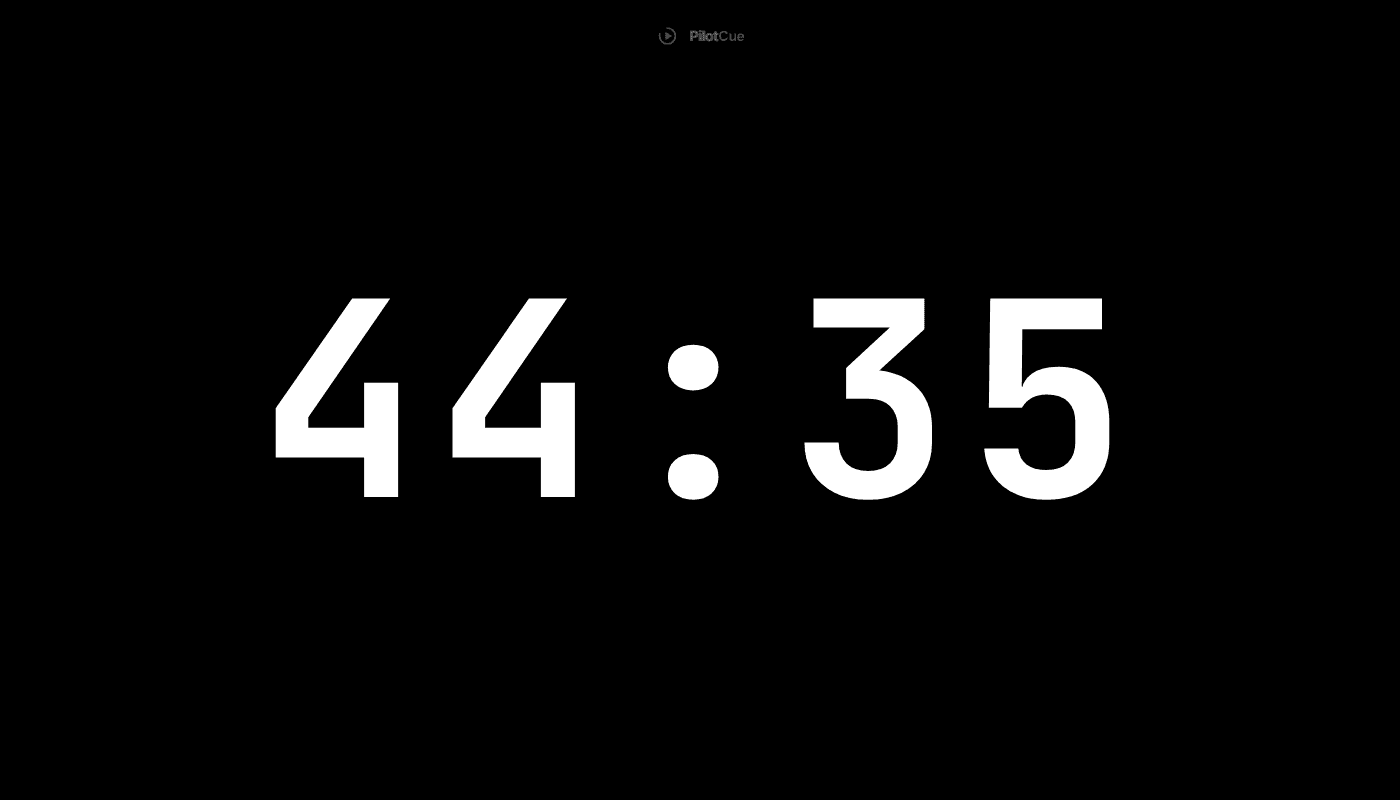
And when it needs saying rather than showing, say it on the same screen. This is far kinder than a hand signal, which communicates that something is wrong without communicating what to do.
Fix the handoff with a QR code
Here is the realistic scenario. It is 09:38. A volunteer you were not expecting is standing in front of you, holding their own phone, and needs to know what happens this morning. Anything involving an account, an invited email address or an app download does not happen in that window.
What does happen in that window is pointing a camera at a screen. A read-only link and a QR code get the whole running order onto their phone, live, with no sign-in and nothing to install, and they cannot change your sheet.
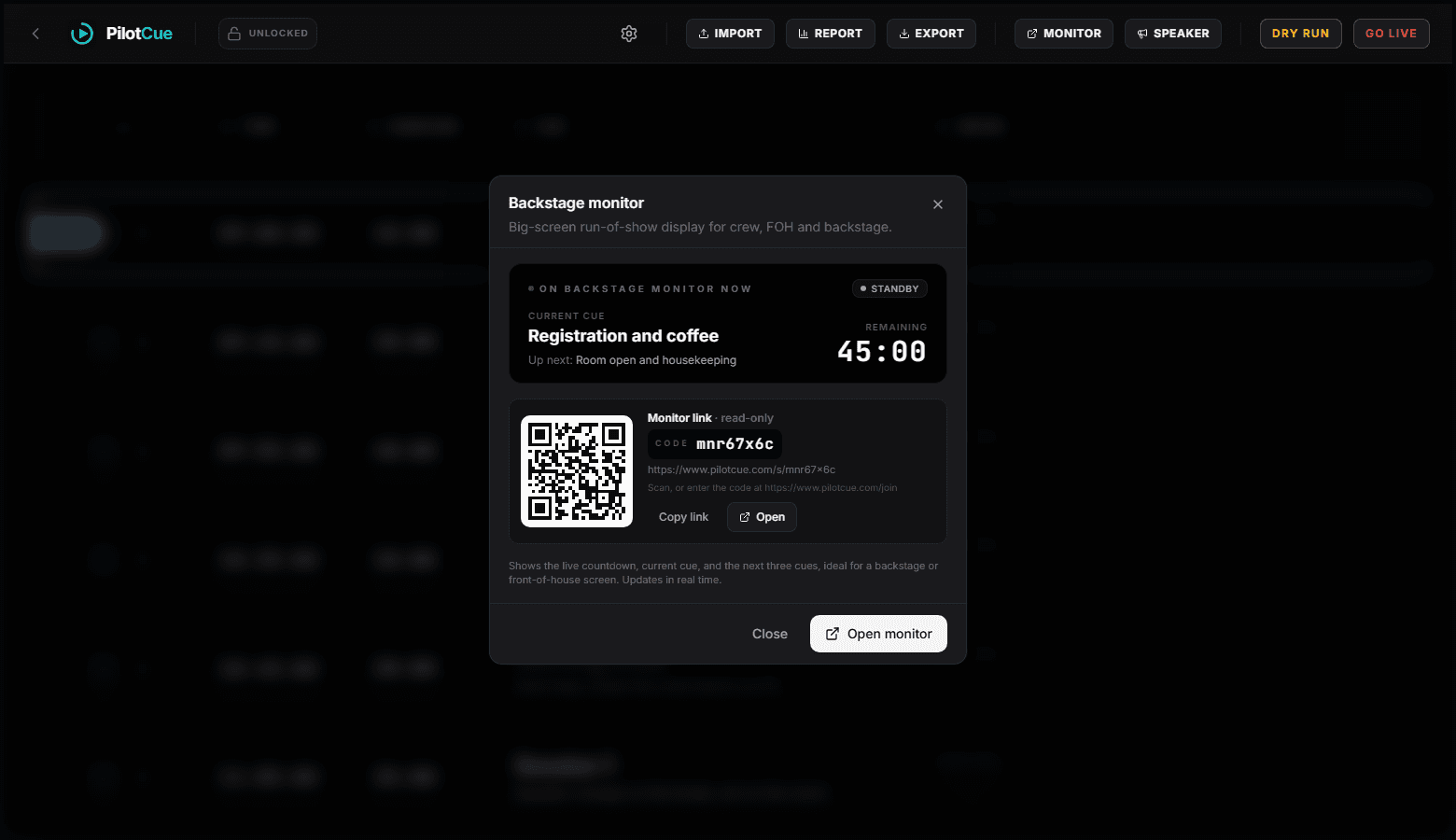
Put one screen where the team can see it
A single display at the back showing the current item, the next three, and the countdown replaces most of the talking that happens during a service. The person on sound, the person on slides and whoever is waiting in the wings all stop needing to ask.
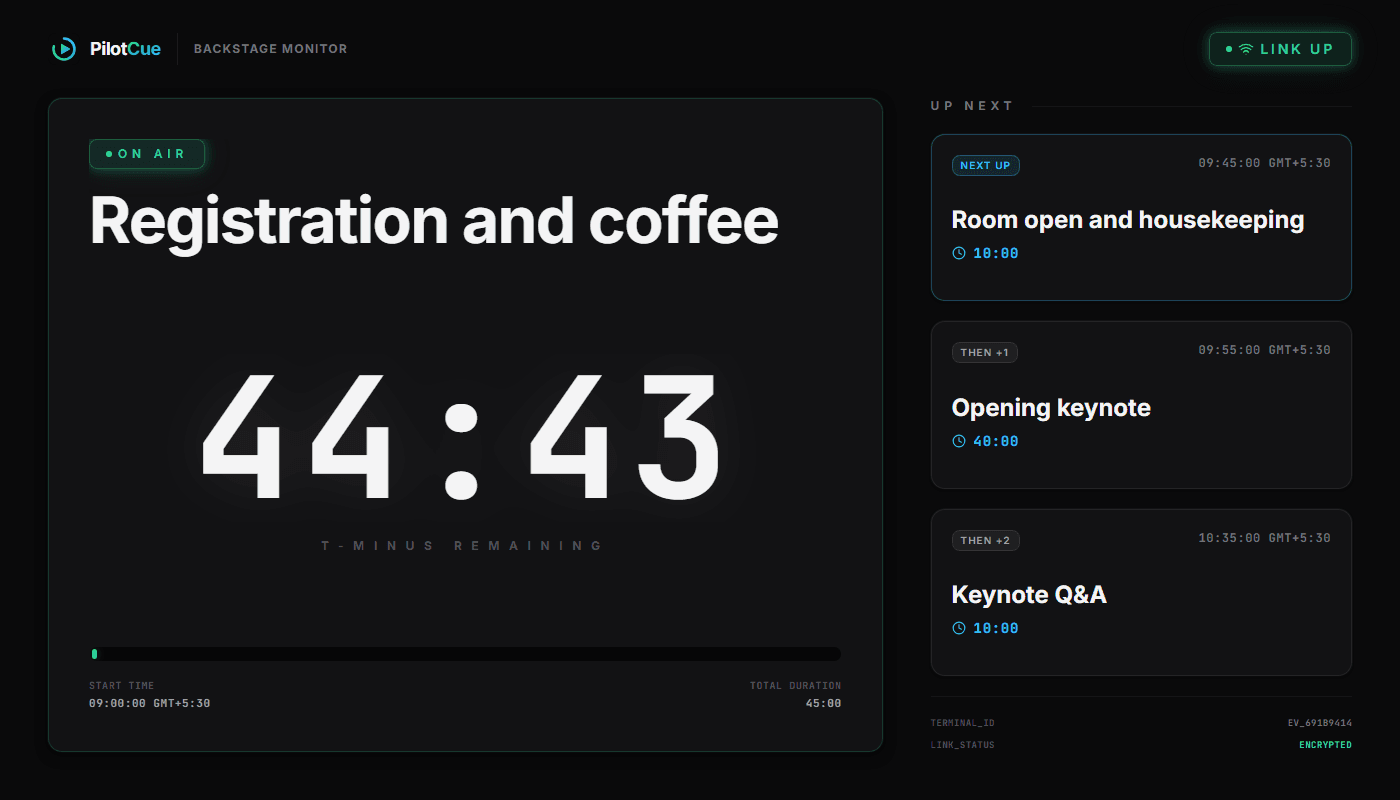
A practical setup for this Sunday
Put your order of service in as lengths
Paste your existing sheet, or start from the free church service template. Whatever your durations look like, you get to check the preview first.
Add a named buffer, and label it
Five minutes somewhere in the middle, as its own item called Buffer. Padding hidden inside each segment teaches everyone that your times are negotiable, and it is invisible when you need to know whether you can afford the extra song.
Do a dry run at speed on Saturday
Play the whole service through at up to fifty times speed. A seventy-nine minute service plays out in about a minute and a half, and it is where you find out that the sheet does not fit the slot, while you can still change it.
Open the backstage monitor on a screen the team can see
A laptop, a spare tablet, or the venue display via the share link. There is a wake lock on browsers that support it; otherwise set the device to never auto-lock.
Open the speaker screen on the lectern
A phone or tablet is fine. Show the person preaching that it counts down, and that a message may appear on it. Thirty seconds of explanation, once, assuming they are happy to have it there, which is worth asking before Sunday.
Send anyone else the QR code
Read-only, no account. This is your fix for the volunteer who arrives at 09:38.
Press GO LIVE when the countdown ends
Every start time that is not anchored rebases off when you actually started, so a late start does not make the rest of the sheet wrong.
Read the report afterwards
Planned against actual for each item. Do this three weeks in a row and you will know exactly which parts of your service are honestly timed.
A system that only works when everyone was briefed is a system that will not work most weeks.
None of this makes the service better on its own. What it does is stop the first ten minutes being spent reconstructing the plan, and stop the last ten being spent negotiating about the time. That is a fair amount of attention handed back to the people who came to be there.
- Do our volunteers need accounts?
- No. One person drives the console. Everyone else looks at a backstage monitor or opens a read-only share link, with no sign-in and nothing to install.
- Does this replace our service planning software?
- No, and it is not trying to. Planning tools handle songs, scheduling and who is serving. This is for the ninety minutes when the service is actually happening and everything is a timing decision.
- We run two services. Do we need two events?
- One rundown written in durations, started twice, is the pattern we recommend, and it means you only ever fix something once. If you want a report per service, use two events, which the free plan covers, because running the same event a second time replaces the actual times recorded by the first.
- What if the wifi drops in the middle of the service?
- Yes, that happens in church buildings. The console keeps working from what the server actually did, and the screens flag that the link is down rather than showing a number that is no longer true. Printing the sheet is on the paid plans, so on the free plan keep whatever paper copy you already print today until you trust this.
- Is it free for a church?
- The free plan covers two events with up to 25 items each, which fits a Sunday service comfortably. Beyond that there is a one-off 72 hour pass and a monthly plan. If cost is the blocker for your church, tell us what you need at support@pilotcue.com.